Elevate your industrial applications with Unity XR for Industry

This page provides an overview of Unity's specialized XR templates, designed to accelerate the development of virtual, mixed, and augmented reality applications for industrial and enterprise use. It covers the use cases for the VR, MR, and AR templates available directly from the Unity Hub.
It also explains the function of the XR Interaction Toolkit, a high-level, component-based system that simplifies the creation of common XR interactions like grabbing objects, teleporting, and pressing buttons.
Learn how to leverage pre-built prefabs and the built-in XR Device Simulator to rapidly prototype and test interactions directly within the Unity Editor. These tools are ideal for creating advanced training simulations, architectural visualizations, and design review applications in Unity 6, providing a robust foundation for any XR project.
Frequently asked questions
What XR templates does Unity provide?
Unity provides three specialized XR templates directly in the Unity Hub to streamline project setup for different extended reality use cases. Each template is pre-configured with optimized settings and sample assets for its target platform.
- The Virtual Reality (VR) template is designed for creating immersive VR applications.
- The Mixed Reality (MR) template serves as a foundation for applications that blend real-world and digital environments.
- The Augmented Reality (AR) template is built for mobile-first experiences on iOS and Android devices.
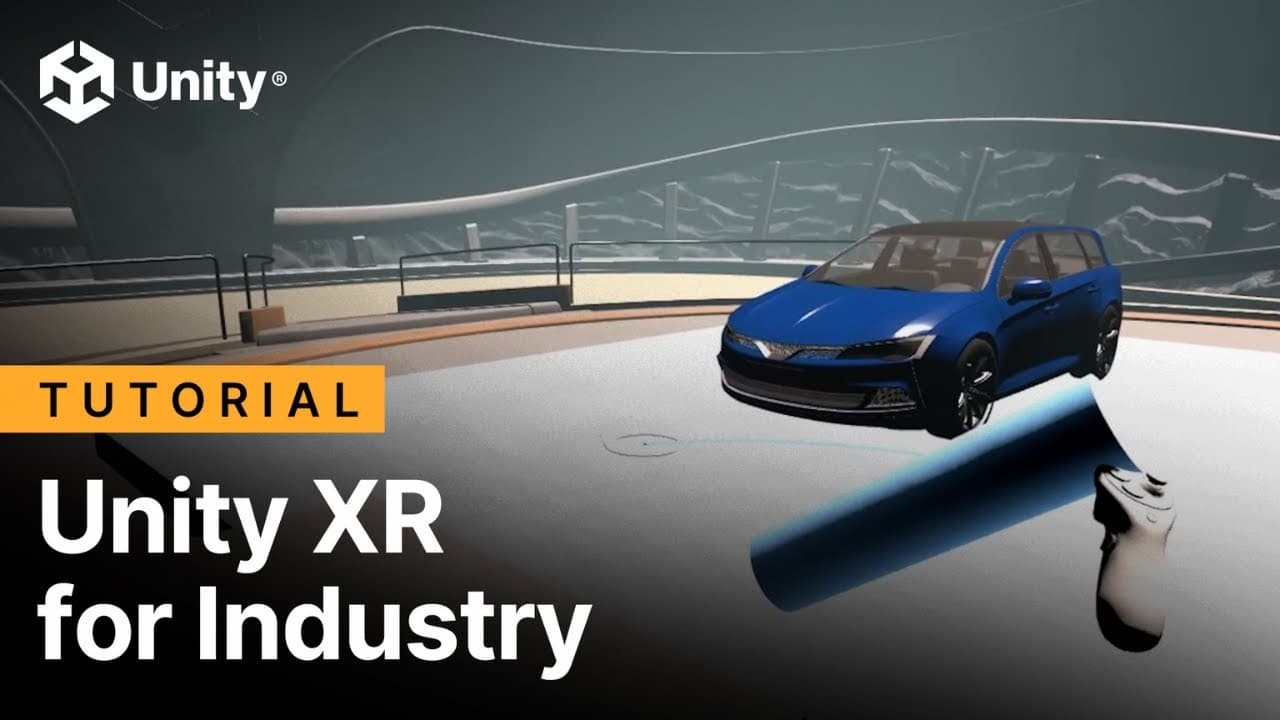
(0:27) - The video introduces three specialized XR templates to get started with development
(0:34) - This section shows how you can quickly choose a dedicated template for VR, MR, or AR from the Unity Hub
Check out this documentation page to learn more about the XR in Unity.
What is included in the Unity VR template and what is it used for?
The VR template quick-starts the development for a virtual reality application by providing a sample scene, assets, and optimized project settings. The sample scene includes pre-built interactions that are common in training and simulation environments.
- Pre-built interactions: Includes functional UI panels, object grabbing, and teleportation systems.
- Common use cases: Ideal for applications where users need to operate machinery, learn complex procedures, or navigate industrial settings in a fully immersive environment.
(0:46) - This section shows the VR template with its sample scene to quick-start VR applications
(0:58) - The video highlights the pre-built interactions available in the sample scene
How does the Unity MR template help with development?
The Mixed Reality template provides a foundation for developing applications that integrate digital objects into real-world environments. The sample scene demonstrates how to spawn objects, allowing you to quickly test your own assets in a mixed reality context.
Common use cases:
- Architectural visualization: Allows stakeholders to see models at real scale in actual spaces.
- Industrial training: Overlays digital instructions and data onto physical equipment.
- Design review: Helps teams explore design considerations by viewing models in their intended environment.
(1:07) - This section covers the MR template as a foundation for mixed reality development
(1:20) - The video explains that MR excels in applications benefiting from real-world integration
What is included in the Unity AR template?
The AR template is specifically designed for creating mobile-first augmented reality experiences for iOS and Android devices. It comes with pre-configured features that allow you to seamlessly integrate your own content and build directly to a mobile phone.
(1:40) - This part of the video explains how the AR template is designed for mobile experiences on iOS and Android
(1:48) - This section covers how the AR template allows for easy integration of custom content
What is the XR Interaction Toolkit?
The XR Interaction Toolkit is a high-level, component-based system included in all XR templates that handles XR interactions. It simplifies the process of creating common interactions like touching buttons, grabbing objects, and moving around virtual spaces. You can find it in the Package Manager. For more examples, you can download its demo scene from the Samples tab within the Package Manager.
(1:53) - This part covers where to find the Unity XR Interaction Toolkit
(1:58) - The section covers where you can find the Unity XR Interaction Toolkit in the Package Manager
(2:08) - The part of the video shows how to download the demo scene from the Samples tab if it's not already in the Unity project
How can I trigger actions using UI elements like buttons in XR?
You can use pre-built components from the XR Interaction Toolkit, such as push button prefabs, to trigger actions. These components expose interactable events that you can configure in the Inspector.
For example, to make a button change an object’s material, you would add a function to the Select > Entered event on the button's interactable component. You can link this event to trigger animations, play sounds, or call any public function in your scripts.
(2:29) - The section demonstrates how to use Push Button prefabs that can trigger actions
(2:41) - This section shows how to add a function to the Select > Select entered option to trigger a material change
What options are available for movement and teleportation?
The XR Interaction Toolkit provides flexible components for implementing teleportation-based movement.
The Teleport Area allows the user to teleport to any point on a designated plane or surface. This is useful for open-area navigation.
The Teleport Anchor defines a specific, pre-determined point where the user can teleport. This is ideal for guided tours or moving between fixed interaction stations.
(2:50) - This section shows how to move around using the Teleport option
(2:54) - The Teleport Area allows teleportation to any point on the plane
(2:58) - The Teleport Anchor defines a specific teleport position
How do I make objects interactive and grabbable?
You can make the objects in your scene fully interactive by adding a Grabbable component from the XR Interaction Toolkit. This component allows users to pick up, rotate, throw, and precisely position objects within the virtual environment, which is essential for hands-on training and simulation tasks.
(3:05) - This section introduces grabbable components for making objects fully interactive
(3:08) - This section covers the available interactions: pick up, rotate, throw, or precisely position them
How can I test XR interactions quickly within the Unity Editor?
The XR templates include the XR Device Simulator that makes testing in the Unity Editor fast and efficient. Instead of building the project to a headset for every change, you can use the simulator to emulate hand controllers and headset movement directly in the Editor, allowing for rapid iteration on your interaction designs.
(3:14) - This section of the video highlights the XR Device Simulator that makes Editor testing fast
Check out the Unity Documentation on XR, and these video tutorials about VR multiplayer, to learn more about elevating your industrial applications with Unity XR for Industry.
Read the article
Fill out this form to stay up-to-date with Unity’s latest offerings and solutions


