URP 3D sample deep dive webinar: Configuring for VR
Jun 27, 2024

Performance is crucial for delivering seamless gameplay in VR. But how do you start integrating VR support into a Unity project? And what settings do you need to know about to optimize for quality and performance?
Unity’s Universal Render Pipeline (URP) can help you maintain a good level of visual fidelity while hitting your FPS benchmarks. Learn how in our webinar, URP 3D sample deep dive: Configuring for VR.
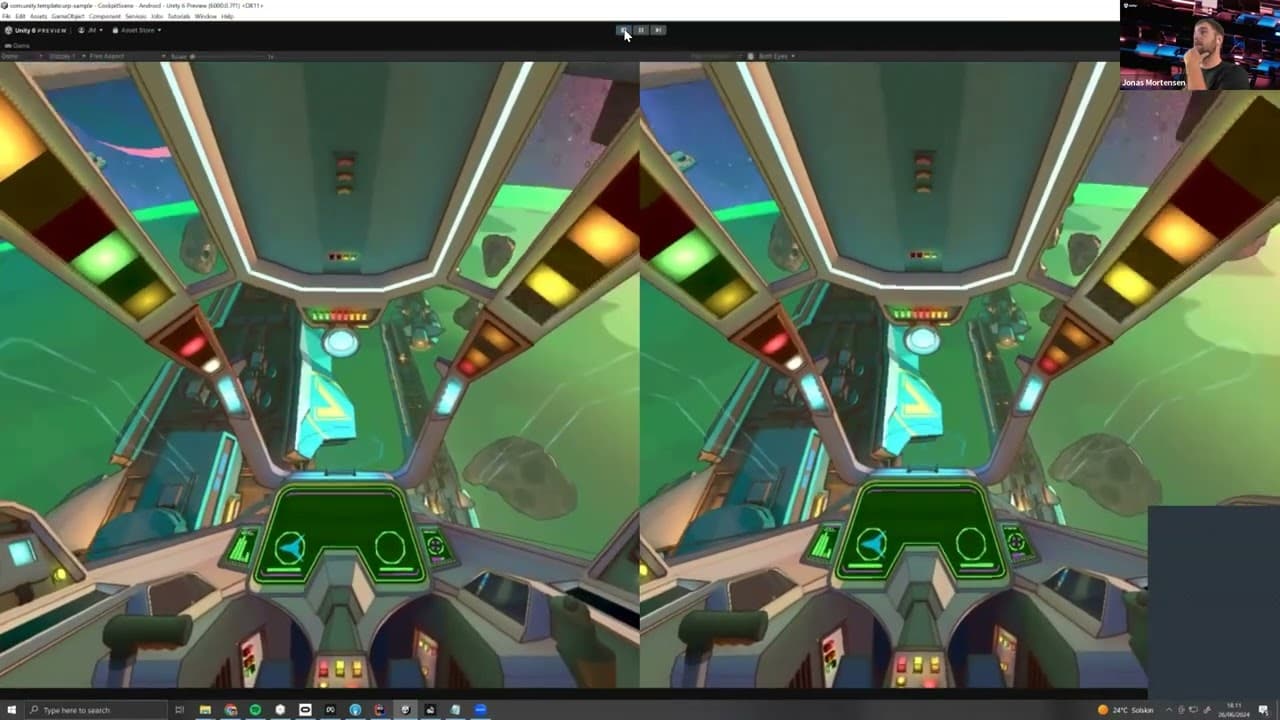
In this on-demand session, Jonas Mortensen – senior technical artist at Unity and creator of the URP 3D sample project – walks you through the setup and configuration of the 3D sample’s Cockpit scene for Meta Quest.
During the session, Jonas covers:
- Introduction to the XR Plugin Manager
- How to build to Meta Quest
- Creating an XR Rig in the Cockpit scene
- Key performance characteristics
- Settings optimization in the URP Pipeline Asset and renderer
- Challenges when rendering stereoscopic 3D
Watch the webinar
Fill out this form to access the webinar